
Maho Mail vs Spark: Which Email Client Is Better in 2026?
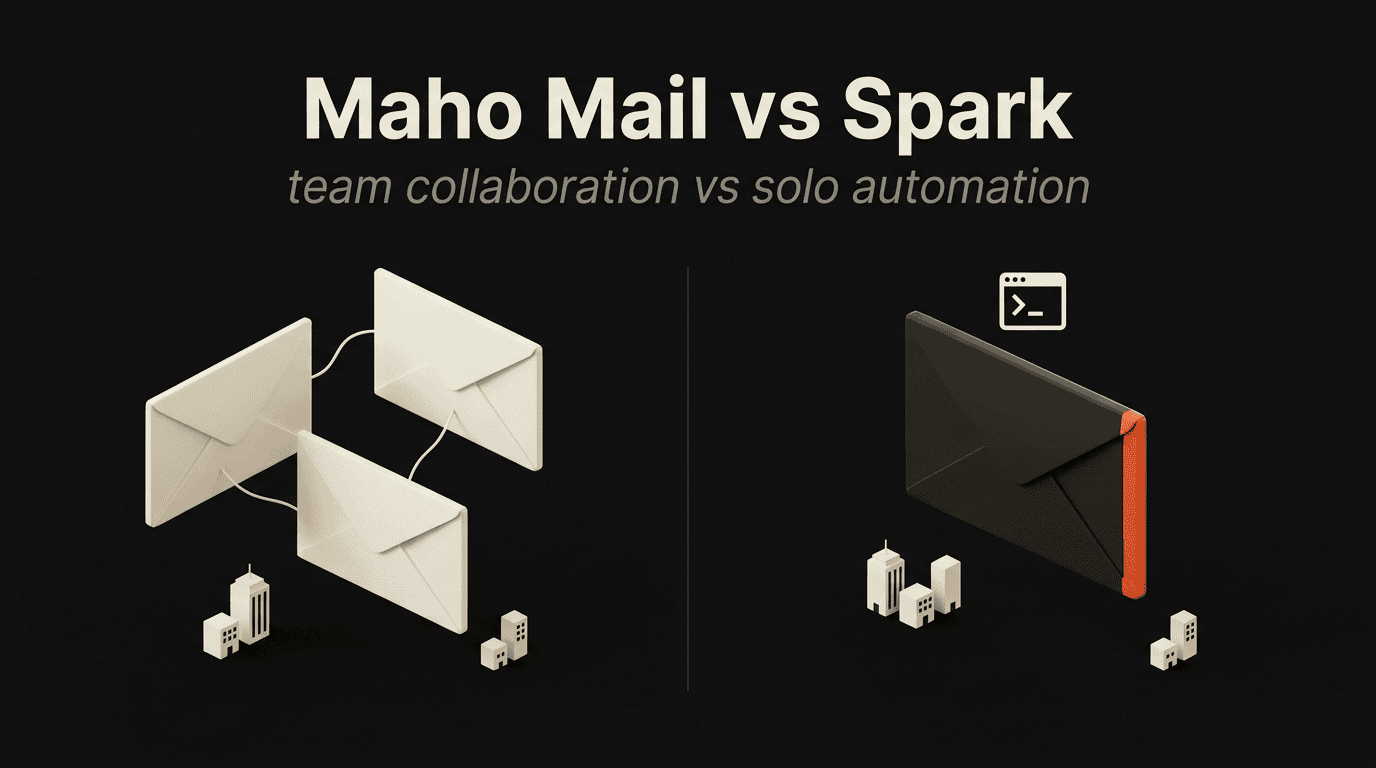
Team collaboration vs solo automation. Two clients built for fundamentally different email workflows.
Quick verdict
Section titled “Quick verdict”Choose Spark if you work in a team and need shared drafts, email assignments, and collaborative inbox features across multiple platforms. Choose Maho Mail if you are an individual user who wants CLI access, AI agent integration, and full local control over your email data.
Side-by-side comparison
Section titled “Side-by-side comparison”| Feature | Maho Mail | Spark |
|---|---|---|
| Desktop GUI | Yes, minimal, keyboard-driven | Yes, rich, team-oriented interface |
| CLI | Yes, full email CLI with JSON output | No |
| MCP Server | Yes, AI agents connect via stdio | No |
| AI Features | Yes, bring your own provider | Yes, built-in prioritization and summaries |
| Team Features | No, built for individuals | Yes, shared drafts, assignments, comments |
| Cross-platform | macOS + terminal CLI | macOS, iOS, Android, Windows |
| Local & Private | Yes, everything on your device | No, cloud-based |
| Open Source | No, proprietary | No, proprietary |
Category comparison
Section titled “Category comparison”Team collaboration
Section titled “Team collaboration”Spark was built for teams from the ground up. Shared drafts let multiple people collaborate on an email before sending. Email assignments route messages to the right person. Inline comments let teammates discuss threads without forwarding. Shared inboxes (like support@ or sales@) are a first-class feature.
Maho Mail has no team features. It is designed for individual users who want to automate and script their own inbox. If your email workflow involves collaboration with colleagues, Spark is purpose-built for that. Maho is purpose-built for something else entirely.
Automation & developer tooling
Section titled “Automation & developer tooling”Spark offers smart inbox categories, notification scheduling, and built-in AI for prioritization. These are GUI-driven features, you configure them in the app settings and they run automatically. There is no programmatic access, no CLI, and no way to connect external automation tools.
Maho Mail gives you three interfaces to the same data. Search and filter from the terminal with maho search --subject "invoice" --json. Pipe results to jq, Python, or an LLM. Let AI agents triage your inbox through the MCP server. The automation model is fundamentally different, programmable rather than configured.
AI approach
Section titled “AI approach”Spark has built-in AI features including email prioritization, smart notifications, and writing assistance. These features are integrated into the Spark experience and use Spark’s chosen AI models. You get a curated set of capabilities but cannot customize the underlying models or behavior.
Maho Mail lets you choose your provider, OpenAI, Anthropic, or Ollama for local inference. The MCP server extends this further by letting any AI agent interact with your inbox. Spark gives you AI features. Maho gives you AI infrastructure.
Privacy & data
Section titled “Privacy & data”Spark is a cloud service. Email data passes through Readdle’s servers for features like smart notifications, team collaboration, and cross-device sync. Their privacy practices have improved over time, but the architecture requires cloud processing.
Maho Mail is entirely local. Your email data is stored in a SQLite database on your machine. There is no cloud sync, no telemetry, and no third-party data processing. The tradeoff is that you lose cross-device sync and team features.
Platform coverage
Section titled “Platform coverage”Spark is available on macOS, iOS, Android, and Windows. Your email experience syncs across all devices with shared preferences and team state. Maho Mail is currently a macOS desktop application. The CLI works in any terminal on macOS, and cross-platform support may come in the future, but today Spark has significantly broader reach.
Choose Maho Mail if you…
Section titled “Choose Maho Mail if you…”- Work solo and want CLI access to your inbox
- Need AI agents to interact with email via MCP
- Want to choose your own AI provider
- Care about local data and verifiable privacy
- Want to script and automate email workflows
Choose Spark if you…
Section titled “Choose Spark if you…”- Need team email collaboration features
- Want shared drafts, assignments, and inline comments
- Need cross-platform support (iOS, Android, Windows)
- Value smart inbox and notification management
- Want a polished team email experience out of the box
Frequently asked questions
Section titled “Frequently asked questions”Does Spark have a CLI?
Section titled “Does Spark have a CLI?”No. Spark is a GUI-only email client focused on team collaboration features like shared drafts, email assignments, and team comments. It does not have a command-line interface, API, or MCP server. Maho Mail provides all three.
Can Spark work with AI agents?
Section titled “Can Spark work with AI agents?”Spark has some built-in AI features like email prioritization and smart notifications, but it does not expose your inbox to external AI agents via MCP or any other protocol. Maho Mail’s MCP server lets any compatible AI tool interact with your email.
Is Spark free?
Section titled “Is Spark free?”Spark has a free tier for individuals with basic features. The Premium plan ($7.99/user/month) and Team plan add collaboration features, AI capabilities, and priority support. Maho Mail is completely free, with no paywalls or feature gates.
Is my email private with Spark?
Section titled “Is my email private with Spark?”Spark is a cloud-based service. Your email data is processed on Spark’s servers for features like smart notifications and team collaboration. They outline their data practices in their privacy policy. Maho Mail stores all data locally on your device with no cloud component.
Can I use Spark on all platforms?
Section titled “Can I use Spark on all platforms?”Yes. Spark is available on macOS, iOS, Android, and Windows. Maho Mail is currently a macOS desktop application with a CLI that works in any terminal. Spark has broader platform support today.
Ready to try Maho Mail?
Section titled “Ready to try Maho Mail?”GUI for humans. CLI for developers. MCP for agents. Learn more about Maho Mail.