
An agent that asks permission: what an ordinary hour with Maho feels like
Most browser AI demos look like choreographed magic. An unseen cursor clicks ten buttons in three seconds, plans a five-day vacation, purchases concert tickets, and drafts five email replies while celebratory music plays. Everything works flawlessly because the recording stops before the agent misunderstands a form field or submits a purchase order on the wrong credit card.
Real work is messier. You have eight tabs open across three cloud consoles, an internal issue tracker, two vendor documentation pages, and a half-written technical specification. Nobody wants a runaway script taking over the screen. What you actually need is an assistant that sits quietly until called, reads only what you hand to it, and never changes a single line of state without asking for your explicit permission first.
The problem with demo-driven AI browsers
Section titled “The problem with demo-driven AI browsers”The browser market spent the last two years rushing to bolt chat sidebars onto existing window frames. That pattern has become exhausting. Whenever you open a webpage, a sidebar slides open automatically, and an eager chatbot offers to summarize an article you already finished reading.
Arc Max showed genuine restraint when it introduced early AI features. Instead of trying to run your entire session, Arc focused on small, considerate micro-interactions. Tab title cleanups, five-second previews on hover, and tidy download renames gave users tangible utility without hijacking their workflow. We admired that disciplined restraint because it respected the person behind the keyboard.
Unfortunately, many subsequent browsers drew the opposite lesson. They built autonomous agents designed to click, scroll, and submit forms without human intervention. That approach opens a massive trust gap. When an AI tool operates invisibly inside your authenticated sessions, the operational stakes jump immediately. An unreviewed mistake on a personal blog is merely annoying. A silent error inside an AWS console or a production issue tracker can break an active release.
Because users cannot predict what these assistants will touch, they stop using them for critical tasks. The assistant gets relegated to summarizing public recipes while serious engineering work continues by hand. Bridging that trust gap requires a completely different architectural premise. The browser must make permissions visible, granular, and impossible to bypass.
One hour, one task: a narrative end-to-end walkthrough
Section titled “One hour, one task: a narrative end-to-end walkthrough”To see how this feels in practice, consider an ordinary Tuesday morning at 10:15 AM. You are preparing an architecture proposal to migrate three background worker services to a new database cluster.
Your active workspace contains four distinct tabs. The first tab holds the pricing tiers of your current database provider. Next to it, documentation for an alternative database engine sits open. A third tab displays an internal Grafana dashboard showing peak query volumes. Finally, the fourth tab holds an empty draft ticket inside your team tracker.
Pressing your command palette shortcut opens the central launcher immediately. Rather than opening a separate web app, you type a direct request: “Extract the memory limits, storage costs, and IOPS ceilings from the pricing tabs into a Markdown comparison table.”
The agent does not secretly scrape your tabs in the background. A compact pill appears in the side panel indicating that the agent wants to inspect the rendered text of two specific tabs. Tapping the Enter key approves the read request.
Within four seconds, the agent parses the tables across both pages, normalizes the pricing units, and places a clean Markdown table directly into your side panel scratchpad. You review the rows, spot a discrepancy in the storage calculations, and edit the markdown right in place.
Around 10:40 AM, you decide to populate your draft ticket with these findings. Summoning the palette again, you type: “Draft an implementation ticket on the active tracker tab using the summary table from my scratchpad.”
This time, the agent needs to write into an active webpage. It stages the changes, highlights the target fields on the tracker page with a subtle border, and pauses completely. Everything stops until you give your word.

Reading with consent: agent access is opt-in, revocable, and explained
Section titled “Reading with consent: agent access is opt-in, revocable, and explained”Browsing is deeply personal. Your active tabs hold private session cookies, uncommitted form inputs, internal company dashboards, and sensitive customer records. Treating page content as an open buffet for an AI model is an unacceptable privacy hazard.
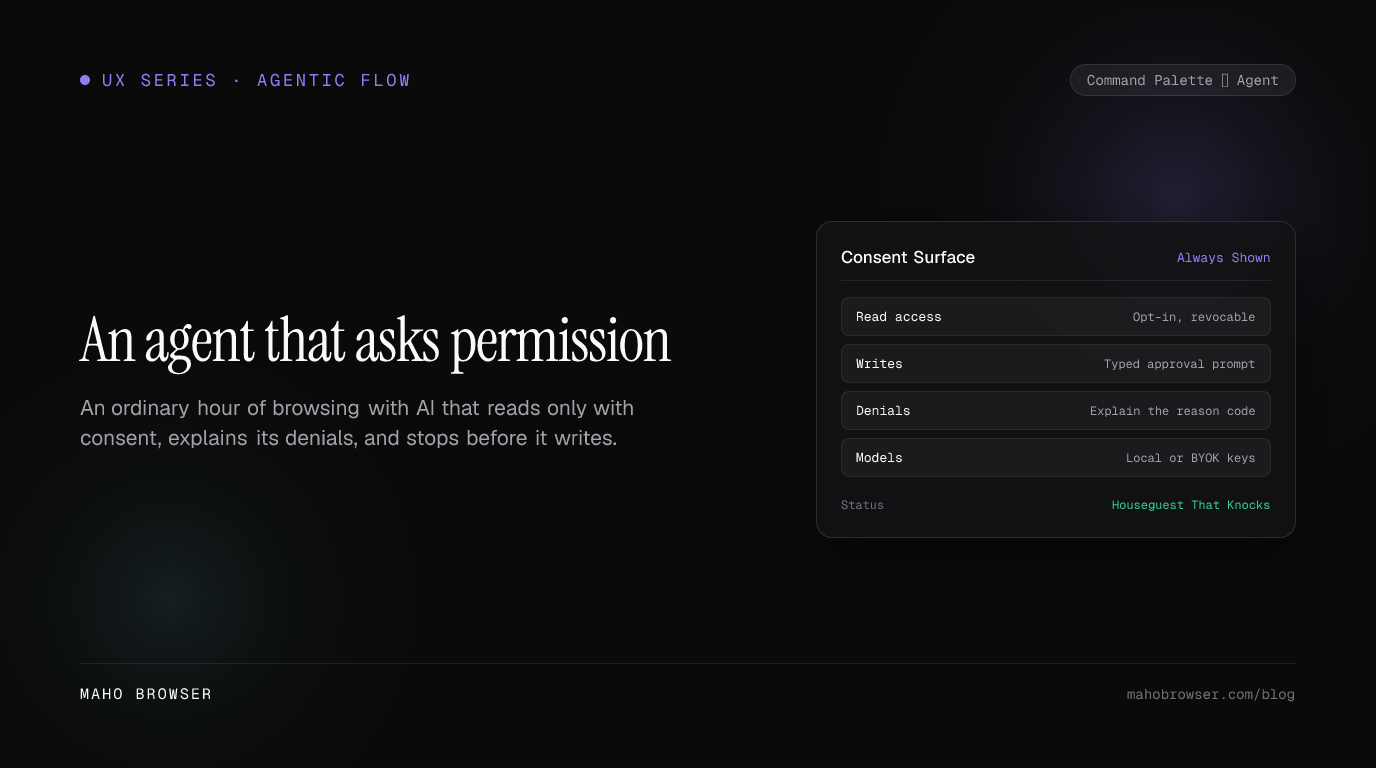
Maho enforces a strict three-axis permission model covering tools, origins, and sessions. Reading is treated as a privileged capability rather than a passive default. Whenever an agent requests access to read a page, it must specify the exact tab identifier and the origin it wants to inspect.
You retain absolute authority over these grants. If you want the agent to read your vendor documentation tab but keep your internal payroll dashboard private, you approve one and decline the other. Access grants stay bounded to your current working session. Closing the tab or switching spaces tears down the access token immediately.
When a tool request gets denied, the browser doesn’t fail silently or throw generic errors. Maho displays a clear denial reason code in the side panel log. You see exactly why an action stopped, whether due to an origin mismatch, an unapproved tool call, or an expired session grant. That transparency turns permissions from an unpredictable barrier into an auditable security boundary.
Writing stops the show: typed approval before any mutation
Section titled “Writing stops the show: typed approval before any mutation”Reading data carries privacy implications, but writing data carries operational risk. Mutating state on a webpage means submitting forms, firing API requests, deleting records, or sending emails.
Whenever an agent workflow attempts a write action, Maho pauses execution immediately. The side panel displays a structured confirmation card detailing the exact DOM selector, the target origin, and the full payload about to be sent.
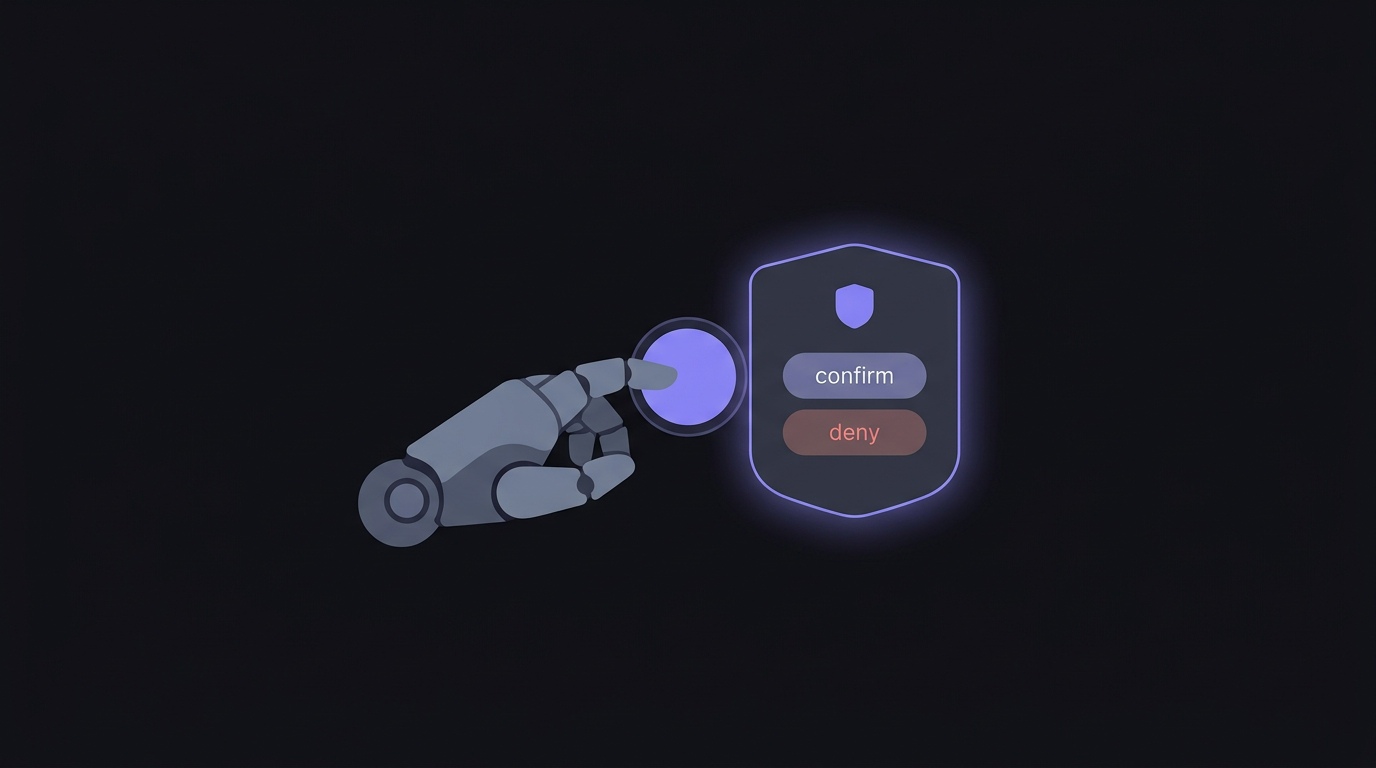
For non-destructive field fills, a single keystroke confirms the insertion. When dealing with irreversible actions like clicking a final submit button or triggering a delete endpoint, Maho requires an explicit typed confirmation. You type a short verification phrase or press an exact key combination to authorize the mutation.
This intentional friction guarantees you stay in the loop during the final mile of any interaction. You can edit the staged payload directly inside the confirmation bubble before approving it. If the agent drafted a ticket description with slightly awkward phrasing, you fix the sentence right there. You get all the speed of automated synthesis without surrendering control over what actually gets committed.
Your model, your keys: local models and BYOK keep the loop private
Section titled “Your model, your keys: local models and BYOK keep the loop private”A secure permission model inside the browser UI means very little if all your private data gets routed through an opaque third-party proxy. Real trust requires complete ownership over the inference pipeline.
Maho gives you full control over the intelligence backend through a Bring Your Own Key architecture. You can supply your own API keys for hosted providers like Anthropic or OpenAI. Your requests travel directly from your browser client to the provider API endpoints, without passing through any intermediate proxy servers managed by us.
When dealing with sensitive internal codebases or strictly regulated customer data, you can route tasks to local models running on your machine. Maho connects seamlessly to local inference runtimes like Ollama or LM Studio over local host ports. Modern Apple Silicon hardware handles text extraction and structured parsing at remarkable speeds with zero network transmission.
Zero telemetry by default anchors this entire design. Your browsing history, command palette queries, and tool execution logs remain stored strictly in an encrypted local SQLite database on your device. We don’t track your prompts, inspect your tab titles, or collect analytics on how you work. Your keys stay on your machine, your models run where you choose, and your data never leaves your perimeter without consent.
What changes after a week
Section titled “What changes after a week”Adopting an agent that asks permission alters your browsing rhythm in subtle but profound ways. The chaotic friction of modern web workflows begins to melt away.
During your first few days, you notice the absence of the typical copy-paste marathon. You no longer jump back and forth between six browser tabs and a separate chat application, manually pasting error messages and formatting snippets. The assistant lives inside the browser control surface, ready to act on the exact context you provide.
More importantly, your baseline anxiety drops. You stop worrying that a keyboard shortcut will accidentally publish a draft or trigger an unwanted API call. Clear visual boundaries and typed confirmation gates build genuine confidence over time.
Browsing becomes quiet again. An AI browser doesn’t need to pretend to be an autonomous human replacement. It simply needs to be a well-behaved, dependable instrument that respects your attention and your privacy. An agent that knocks before entering is the only kind of assistant you can trust with your actual work.