
Where the memory goes: an honest look at Maho's architecture next to Arc and Zen
Every browser discussion eventually turns into a debate about system memory. Someone posts a screenshot of Activity Monitor showing dozens of helper processes, while others complain that laptop fans sound like jet engines during video calls. Then marketing campaigns arrive with synthetic charts promising impossible efficiency gains.
We want to skip the benchmark theater entirely. There are no cherry-picked graphs here, and no claims that one browser magically cuts the laws of web rendering in half.
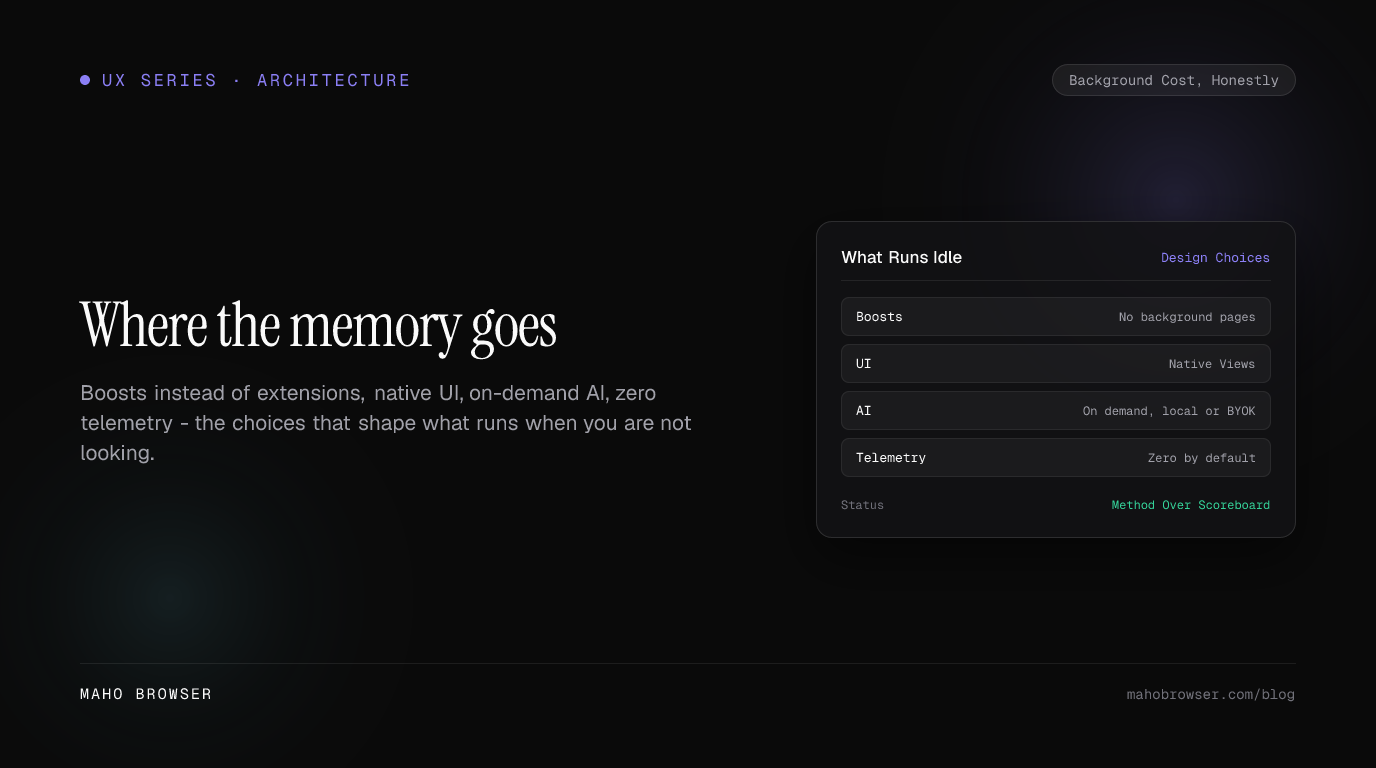
Instead, let’s look at the underlying architecture. Arc, Zen, and Maho make distinct engineering trade-offs. Those choices determine what runs in the background while tabs sit idle, how the interface paints to your screen, and how much work happens when you are not actively interacting with a page.
The honest baseline
Section titled “The honest baseline”Before discussing differences, we should establish the baseline that every modern browser shares. Zen builds on Mozilla’s Firefox engine, while Arc and Maho build on Chromium.
These web engines are massive software platforms. They handle HTML parsing, CSS recalculations, layout trees, compositing, JavaScript execution via V8 or SpiderMonkey, and process isolation for security. When you load a complex web application like a spreadsheet or an interactive editor, the engine allocates memory for the DOM tree, image decoders, and running scripts.
Maho doesn’t escape this reality. Neither does Arc, and neither does Zen. If you open twenty demanding web apps at once, Chromium will consume noticeable RAM in Maho just as it does in Arc. Zen inherits the memory characteristics of Firefox’s Gecko engine, which manages multi-process allocation differently but still faces the same core challenges when rendering modern single-page applications.
The meaningful differences between these browsers don’t come from rewriting rendering pipelines. They come from what each product adds on top of the engine. The background daemons, interface stack, extension runtime, AI features, and telemetry systems determine what your machine does when your browser is idle.
Background cost you choose: extensions vs Boosts
Section titled “Background cost you choose: extensions vs Boosts”For years, extensions have been the standard way to fix broken websites, block clutter, or tweak typography. Arc, Zen, and Maho all support standard extensions, but extensions come with an architectural cost that many people overlook.
Traditional extensions frequently register persistent background pages or service workers. When you install an extension just to restyle a single discussion forum or hide a banner on one news site, that extension’s manifest often requests broad host permissions. The browser spins up a dedicated background process or script context for the extension. That context remains alive in memory, listening for web navigation events across every tab you visit. Add five or ten such tools, and you have quietly introduced persistent background scripts running alongside your tabs.

Maho addresses site customization through Boosts rather than permanent extension background scripts. A Boost is a scoped bundle containing CSS, sandboxed JavaScript, and optional settings knobs tied strictly to a specific origin.
When you navigate to a domain where you enabled a Boost, Maho applies your stylesheet and runs the sandboxed script after the page finishes loading. The moment you leave that origin or close the tab, the Boost context tears down completely. There’s no global background worker hanging around in the process list, no cross-origin listener monitoring unrelated browsing, and no persistent runtime memory footprint when you visit other sites. You get the visual tweaks you want without paying a permanent system tax across every workspace.
Arc pioneered user-created Boosts, showing the industry how enjoyable it is to reshape personal web views without building full extensions. Maho builds on that insight by scoping each Boost strictly per origin by default, keeping the runtime footprint contained entirely within the lifecycle of the active target page.
The UI layer
Section titled “The UI layer”The second architectural difference lies in how each browser builds its application frame. Sidebars, tab strips, command palettes, split-view dividers, and settings panels all require CPU cycles and memory to draw.
Zen takes advantage of Firefox’s native interface architecture. It modifies the browser chrome through XUL and native styling hooks, allowing its vertical tab bar and compact layout to integrate tightly with the browser engine without wrapping the window in heavy application frameworks. Zen deserves real credit for maintaining this clean integration while offering deep customization.
Maho approaches the desktop frame through native Views UI on macOS and supported desktop platforms. Instead of spinning up separate web views to render the sidebar, spaces switcher, and tab grid, Maho draws these controls directly through the native windowing system.
Building the interface with native Views provides two tangible advantages. First, the browser chrome doesn’t require dedicated JavaScript runtime contexts or additional DOM trees just to paint a button, switch a tab, or open a menu. Second, input responsiveness remains snappy under heavy workload. When a background tab runs an intensive script loop that maxes out its renderer thread, Maho’s native sidebar, shortcut handlers, and window controls continue to respond immediately to keyboard and mouse clicks.
Arc chose a rich, custom interface that pushed browser design forward with playful animations, color pickers, and smooth spatial transitions. That design language set a high bar for visual ambition, though running rich animated interface components alongside multiple open spaces naturally requires careful rendering coordination.
The AI question
Section titled “The AI question”Browser makers in 2026 are racing to integrate artificial intelligence into daily workflows. How a browser designs this integration has a direct impact on idle CPU and background memory usage.
Some browser implementations treat AI as an omnipresent layer. They run continuous background processes that parse open tabs, index reading history into local vector databases, maintain open WebSocket connections to remote servers, or keep warm workers ready to summarize content before you ask. While this can make certain predictive features feel instant, it means your computer performs constant background work even when you are reading static text.
Maho treats AI as an on-demand tool rather than an always-on background crawler. The AI surface in Maho wakes up only when you deliberately invoke it through the command palette, an agent action, or a contextual prompt.
You can connect your own API keys for cloud providers or route requests to local models running on your machine. When you aren’t actively asking for an explanation, running an automation, or composing text, the AI subsystem remains quiet. There are no silent indexing loops consuming CPU cycles while you type an email, no unsolicited background scraping of your open spaces, and no hidden memory allocation reserved for predictive tasks you didn’t request.
The quiet tax: telemetry and background collectors
Section titled “The quiet tax: telemetry and background collectors”One of the largest invisible consumers of background resources in modern desktop software is telemetry infrastructure. Analytics frameworks, crash reporter monitors, feature flag sync daemons, and session replay trackers run quietly across millions of computers every day.
Each telemetry collector runs on periodic timers. Every few minutes, these collectors wake up, gather device metrics, serialize state, write temporary log buffers to disk, and push data to remote analytics endpoints. Over hours of continuous browsing, recurring background timers cause frequent CPU wake-ups that prevent modern processors from entering low-power sleep states.
Maho ships with zero telemetry by default. When you launch Maho and open a website, the browser establishes network connections only with the servers required to load that website and any sync relays you explicitly configure.
There are no background collectors checking in with product analytics servers, no periodic pings sending anonymous usage statistics, and no experimentation daemons polling for remote feature toggles. By eliminating telemetry entirely from the default build, Maho removes an entire class of background polling loops. Your network interface stays quiet, your storage drives stay idle, and your operating system scheduler avoids unnecessary thread wake-ups.
How to check this yourself
Section titled “How to check this yourself”Rather than trusting marketing claims from any browser team, including ours, you can inspect your system directly to see where memory and processor cycles go during your normal routine.
Here is a straightforward method to examine what your browser actually runs:
First, open your operating system monitor. On macOS, launch Activity Monitor and switch to the CPU tab, then sort processes by name. For Windows or Linux setups, open Task Manager or your preferred system monitor. Look for the browser’s main application process and count how many helper, utility, and renderer processes exist while only a single blank tab is open.
Second, use the browser’s built-in process manager. For Chromium-based browsers like Arc and Maho, press Shift+Escape or open the internal task manager from the developer menu. On Zen or Firefox, open about:processes. This view breaks down memory usage by individual tab, extension, utility service, and GPU compositor.
Third, test your real workflow in two stages. Run your typical set of working tabs with all third-party extensions disabled for an hour, and observe the idle CPU percentage when you step away from the keyboard. Next, enable your daily extension list and observe whether new background processes remain permanently active even after their associated tabs close.
This inspection method gives you genuine visibility into your setup. You will see firsthand how much memory comes from the web engine rendering your active sites, how much comes from your extensions, and how much comes from the browser shell itself. Good architecture isn’t about magic numbers. It’s about making deliberate choices that keep your machine focused on the work you choose to do.